


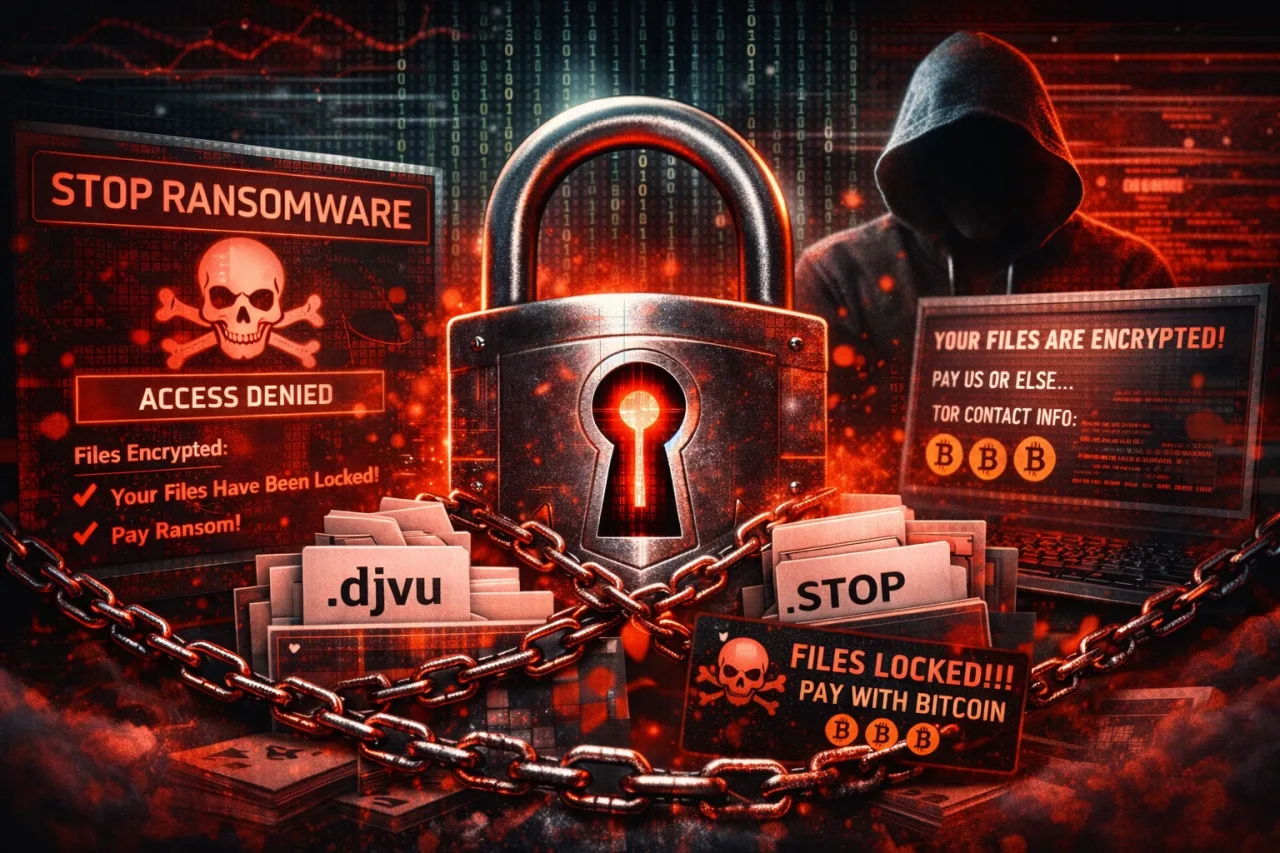
What is STOP Ransomware? Face the Reality of Extension Viruses
STOP Ransomware is considered one of the most common and destructive ransomware families in the cybersecurity world. This malicious software, which has caused thousands of users to lose their files in recent years, is also known as the "extension virus" because it works by changing file extensions. STOP Ransomware technically belongs to the DJVU Ransomware family and consists of hundreds of different variants.
The most dangerous feature of this type of ransomware is that it silently infects the system and encrypts all important files without the user noticing. Photos, Word documents, Excel files, PDFs, databases, and backups become inaccessible in seconds. The contents of the files are not deleted; however, they are locked with military-grade encryption.
How Does the STOP Ransomware Extension Family Work?
The STOP Ransomware's operating principle is quite simple, but its effect is extremely destructive. After the virus enters the system, it scans for predefined file types and encrypts each file individually. Once the encryption process is complete, a special extension is added to the end of the file name.
Example:
At this point, the files can no longer be opened through normal means. Windows cannot recognize the file, leaving the user helpless.
Most Common STOP Ransomware Extensions
Since the STOP Ransomware family is constantly updated, new extensions emerge periodically. The most commonly encountered STOP Ransomware extensions are as follows:
-
.djvu -
.nesa -
.gero -
.moka -
.kroput -
.seto -
.reco -
.promos -
.puma -
.bora
Each extension actually represents a different variant of the same family. Even if the extension changes, the attack logic remains the same.
How Does STOP Ransomware Spread?
The methods STOP Ransomware uses to spread have remained unchanged for years. The most common infection routes are:
-
Cracked and keygen software
-
Unlicensed programs
-
Files downloaded from torrent sites
-
Fake Windows and program updates
-
Malicious email attachments
Systems using cracked software are the primary target for STOP Ransomware. The virus hides inside the cracked file and activates when the user runs the program.
STOP Ransomware Ransom Note (_readme.txt)
After encryption is complete, the virus leaves a file named _readme.txt named file in every folder. This file contains the following message for the user: Your files have been encrypted, and you must pay to get them back.
Typically:
-
Bitcoin or another cryptocurrency is demanded
-
It is stated that the price will increase if payment is not made within 72 hours
-
The impression is created that "this is the only way to get your files back."
This is entirely psychological pressure and manipulation.
Does Paying the Ransom Recover the Files?
Short answer: No, it is not guaranteed.
Many users who paid the ransom in STOP Ransomware attacks:
-
Have not received any key
-
Received the wrong key
-
Have been extorted again
For this reason, cybersecurity experts strongly advise against paying the ransom.
Ways to Protect Against STOP Ransomware
The most effective way to protect against STOP Ransomware is through preventive security. The following measures are vital:
-
Avoid using unlicensed software
-
Stay away from cracks and torrents
-
Take regular offline backups
-
Use up-to-date security software
-
Do not open suspicious emails
It should be noted that ransomware attacks can be prevented, but once infected, recovery is often impossible.
Why is STOP Ransomware so dangerous?
The reason STOP Ransomware is so widespread:
-
Its ease of spread
-
Constantly generating new extensions
-
Its ability to bypass antivirus software
-
It targets individual users
This virus targets not only your files, but also your time, effort, and money.
Conclusion: STOP Ransomware is not just an extension, it is a disaster
STOP Ransomware is not a simple extension issue. This virus can completely lock down your digital life in seconds. Thinking "nothing will happen to me" is the biggest mistake you can make against STOP Ransomware.
If you don't take precautions today, tomorrow you may have to say goodbye to all your files just by looking at their extensions.
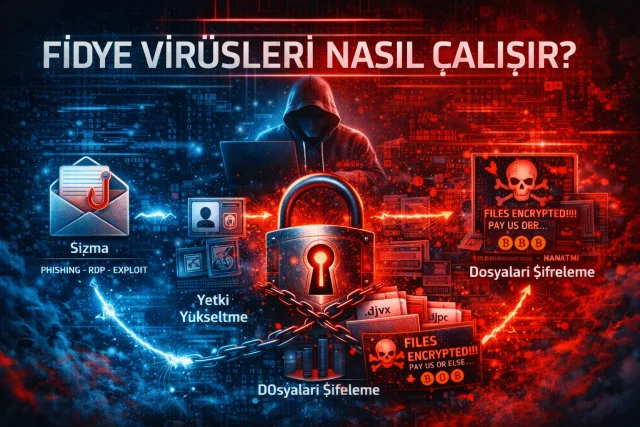

![What is Ransomware? How Does It Work, How Does It Spread, and How Can You Protect Yourself? [2026 Guide]](/media/resize?path=storage%2Fuploads%2F253876fe-7603-4408-8773-193c119057ad.webp&w=640)